The iPhone and iPad app that plans a Marine's EAS or retirement
Get out with nothing missed.
Enter your EAS, retirement or resignation date. See every step in order, your leave forecast at EAS and the dates your family can plan around.

Getting out is harder than getting in.
Transition counseling, checkout and leave planning have different deadlines.
Muster Out organizes the steps for your path, with planning dates, sources and the office that confirms them, so you walk into IPAC knowing what to ask for.
Inside the app
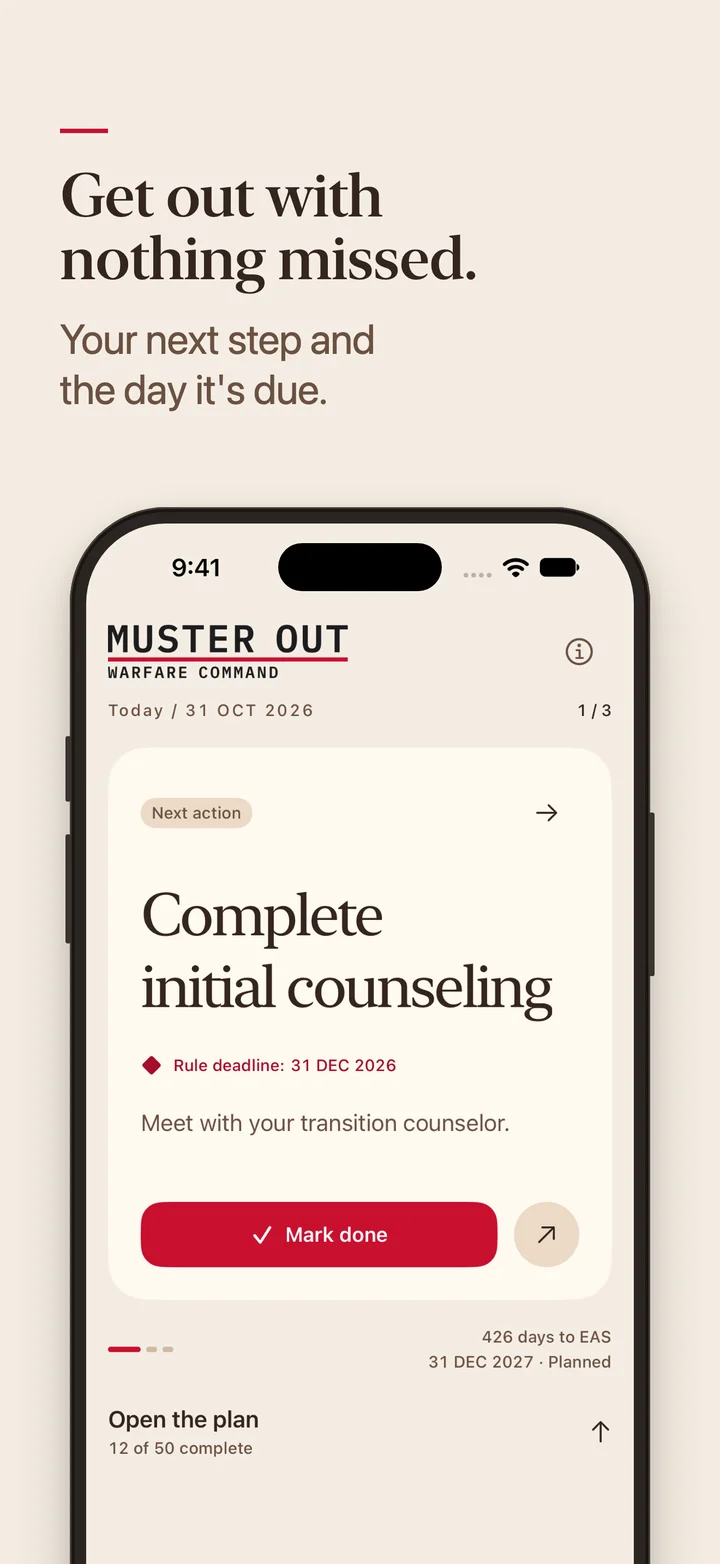
The next step
Today shows up to 3 next steps and their date information. Mark one done and the next comes up.
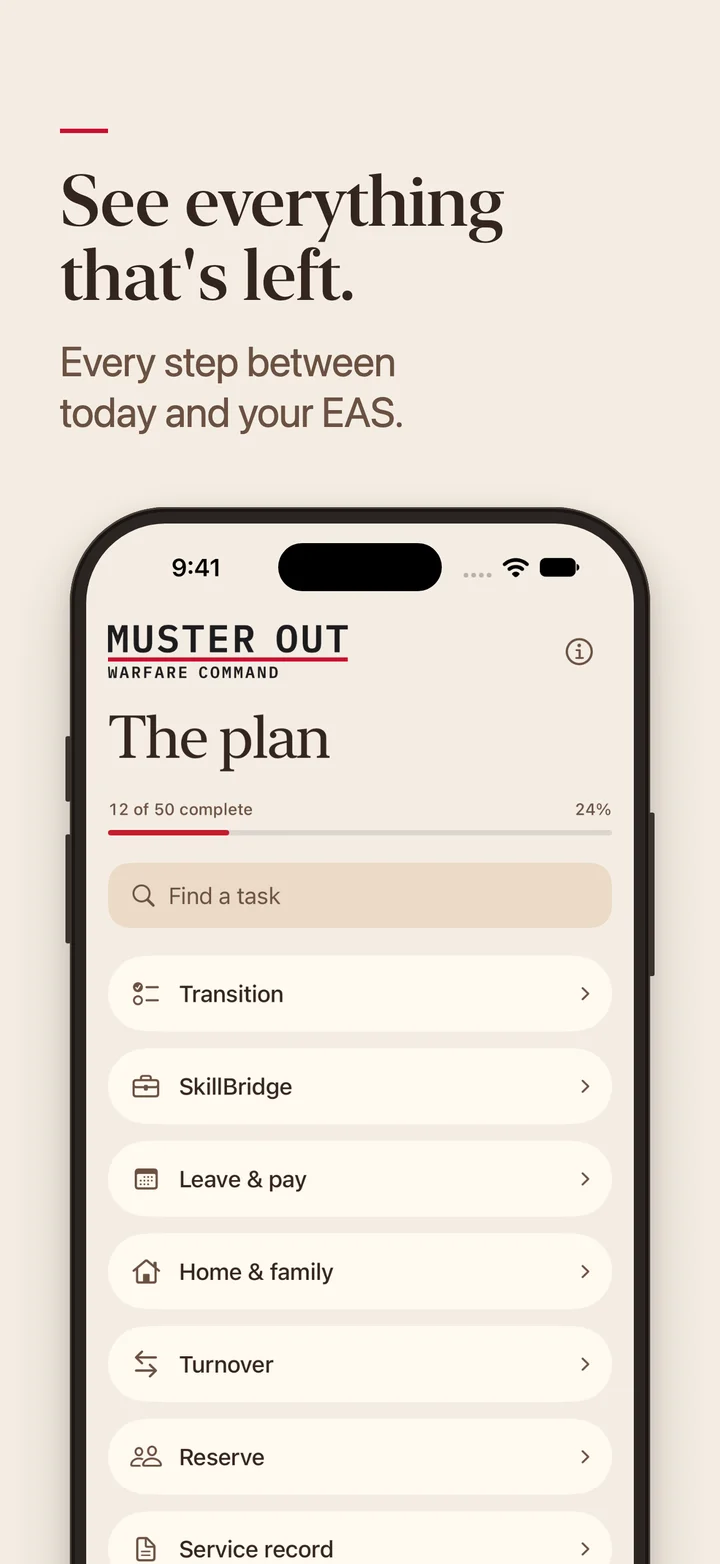
Everything that's left
Every step for your path sits in one list you can search and filter, with how much is done.
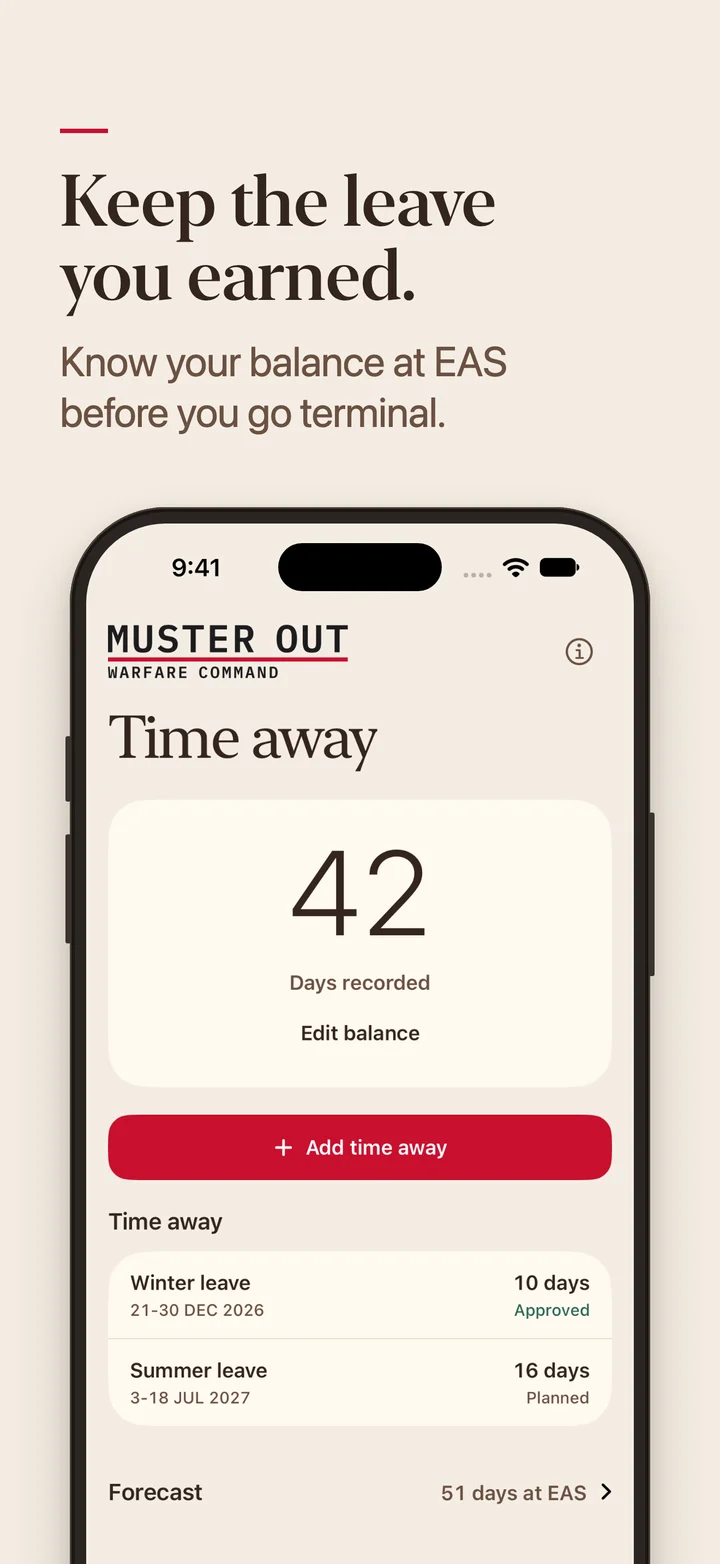
The leave you earned
Time away shows your balance, each leave block and the forecast at EAS.
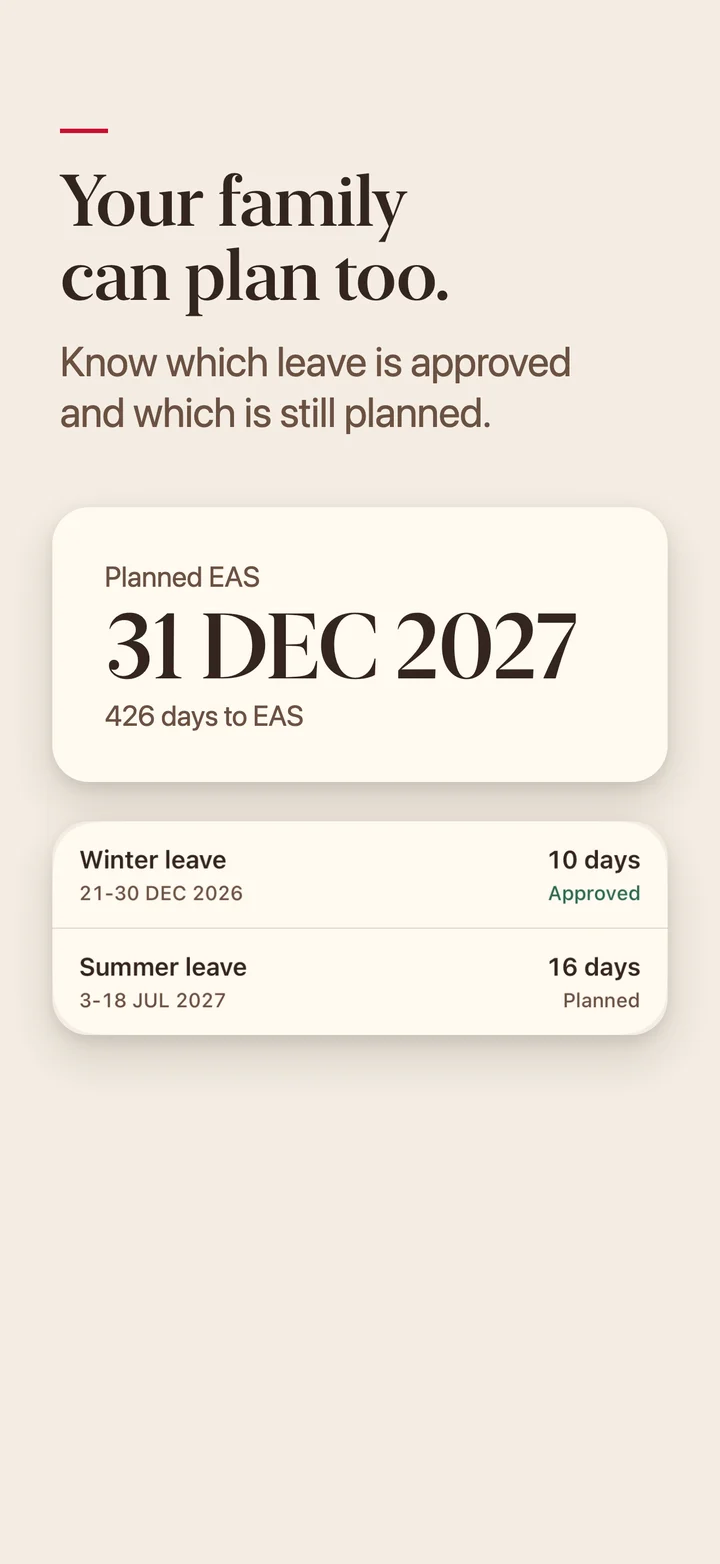
Dates to plan around
Your EAS and every leave block in one place, each marked approved or planned.
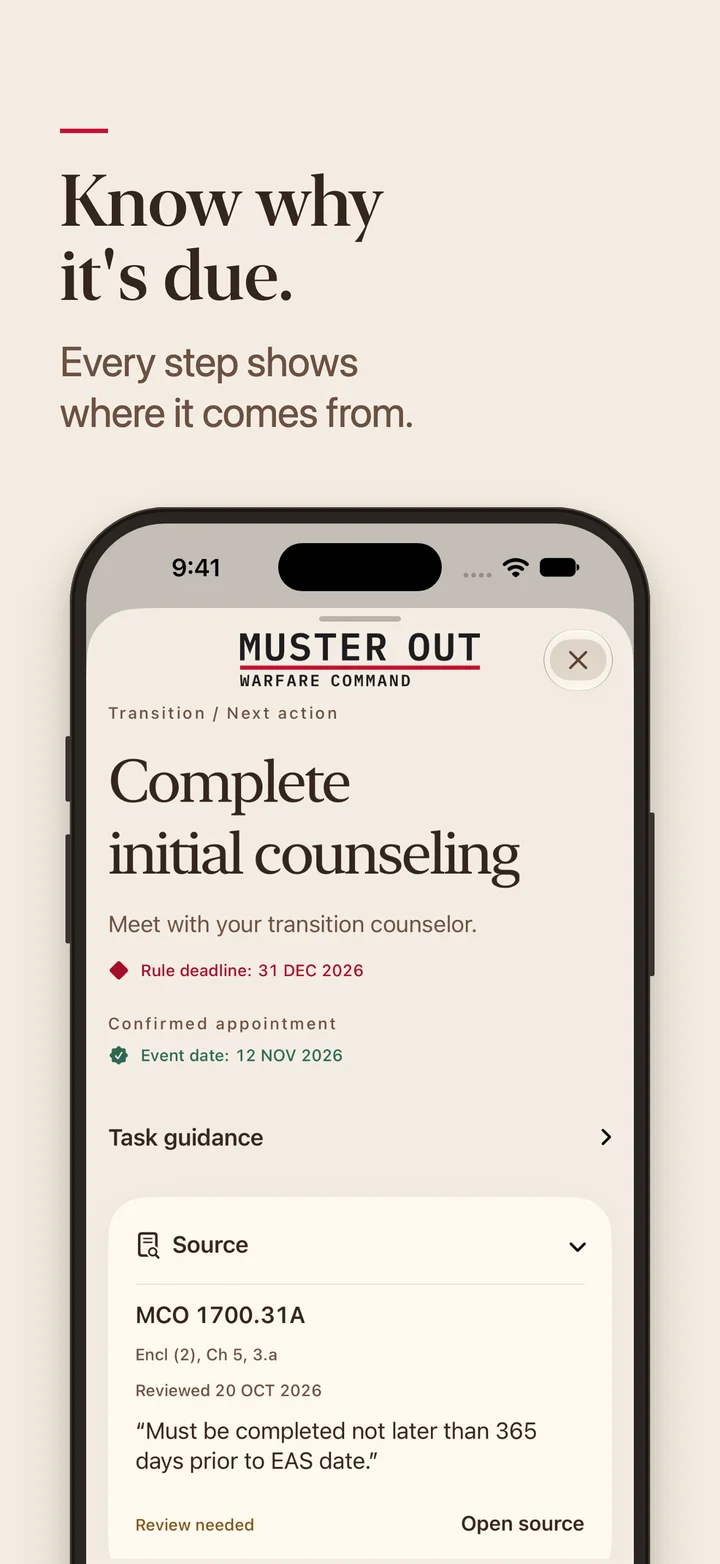
Where it comes from
Open any step to see its source and the office that confirms it.
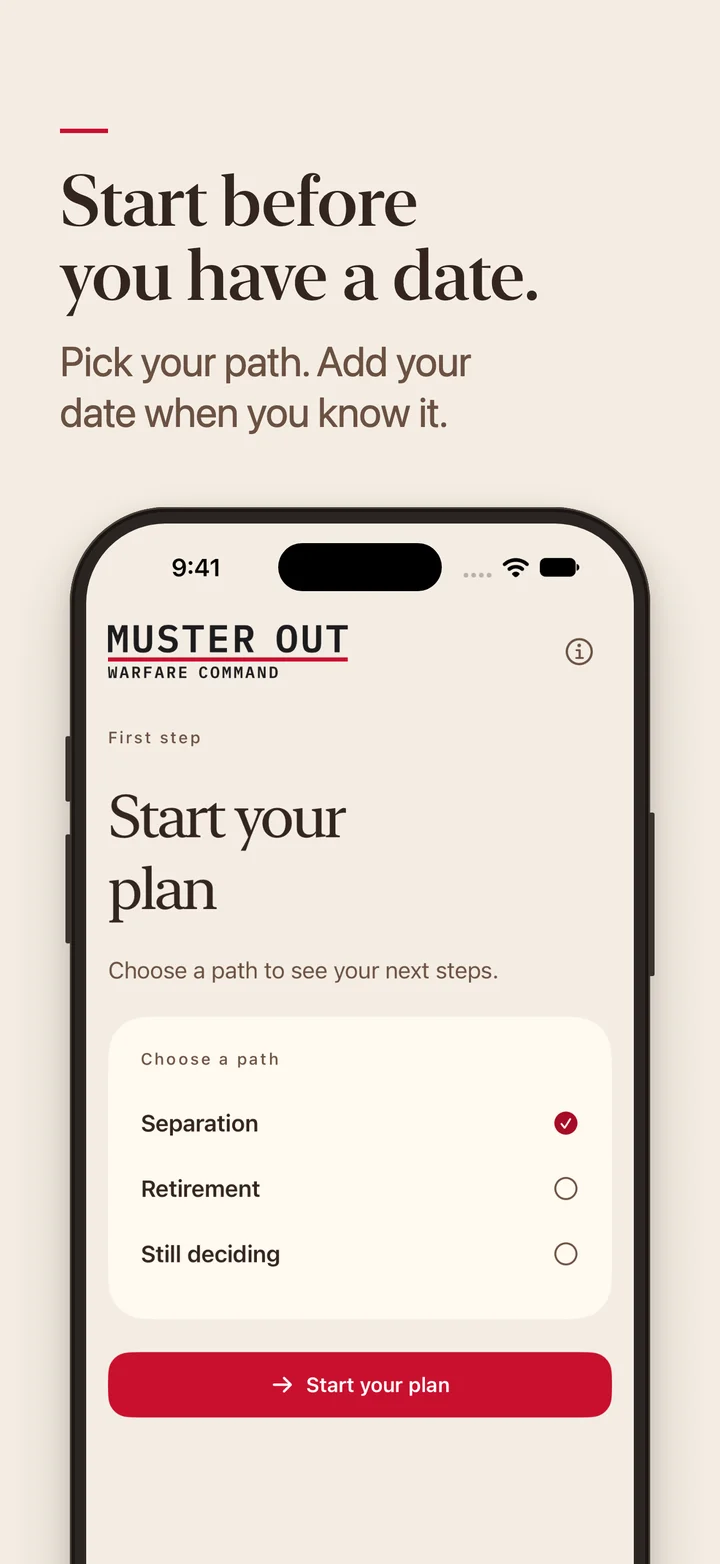
Start before you have a date
Pick separation, retirement or still deciding. Add your date when you know it.


How it works
Pick your path
Choose EAS, resignation or retirement. If you haven't decided, start there.
Add your date
Your EAS, resignation or retirement date. No date yet is fine. Calculated dates update when your date changes. Dates you enter yourself stay fixed.
Work the next step
Today shows what's due next. Mark it done and the next step comes up. Turn on reminders if you want them.
Keep the leave you earned.
Enter your current balance and log leave as plans change. See your forecast at EAS and use-or-lose warnings.
51days at EAS
Forecast from a fictional Marine's plan. Yours comes from your balance, your date and the leave you log.

Dates your family can plan around.
If you're the spouse doing the planning, join the waitlist too. You'll get the launch email, and the Marine you're planning with can send you the PDF.
Use the Marine's EAS and approved or planned leave dates to work out the move, lease and school plans together.
- Your EAS date and its status
- Every leave block, and which ones are approved
- A PDF of step status, eligible step dates with their basis, your leave balance and leave dates to share at home
- Calendar events for eligible dated steps, saved by you

Who it's for
EAS
Getting out when your service obligation ends. Add SkillBridge and Reserve plans if they apply.
Resignation
Officers resigning from active duty, with the plan built from your resignation date.
Retirement
Active-duty retirement. Includes transfer to the FMCR and the Retired List.
For IDES, involuntary separation and Reserve or Guard retirement, the app points you to the office that handles them.
Private by default
There is no account to make, and the app never asks for your name, SSN or DoD ID. Your plan saves on your device. The app has no ads and no tracking.
Built by a Marine
Muster Out comes from Warfare Command. Confirm dates with IPAC and the office named on each step.
Pricing at launch
Joining the waitlist is free. At launch, choose monthly or annual. Eligible subscribers get a 7-day free trial, then Apple bills $9.99 a month or $99.99 a year until canceled.
- You see your first 3 steps and your leave projection before you pay.
- Cancel in your Apple Account settings at least 24 hours before the trial ends and you won't be charged.
- If you cancel later, your plan stays readable.
- Apple handles payment and refunds, so your card details never reach us.
Questions
For anything else, send us a message.
Release date
Muster Out is not on the App Store yet. Join the waitlist and we'll email you the day it is. It runs on iPhone and iPad and launches in the US first.
When to start planning
As early as you can. Some steps come due a year or more before your EAS, such as initial transition counseling, which must happen at least 365 days out. You can start before you have a date.
Terminal leave and use-or-lose
Muster Out tracks both. Log leave, liberty and PTAD as you go, and the forecast updates your balance at EAS.
Official status
Muster Out is unofficial and is not affiliated with or endorsed by the Department of Defense or the Marine Corps. It is not legal, financial or medical advice. Confirm dates with IPAC and the office named on each step.
Sharing the plan with your spouse
The plan lives on the Marine's phone. The PDF includes step status, eligible step dates with their basis, your leave balance and leave dates. Preview it before sharing.
Accounts and where your data lives
You don't need an account. The privacy policy lists what stays on your device and what this website collects.
VA claims and TRS
Muster Out does not file claims or estimate ratings, and it does not replace TRS or your IPAC. It organizes the steps for your path and their date information in one plan.
Android
Muster Out is built for iPhone and iPad, and there is no Android version planned for launch.
Some steps come due a year before your EAS.
Join the waitlist and we'll email you the day Muster Out is on the App Store.